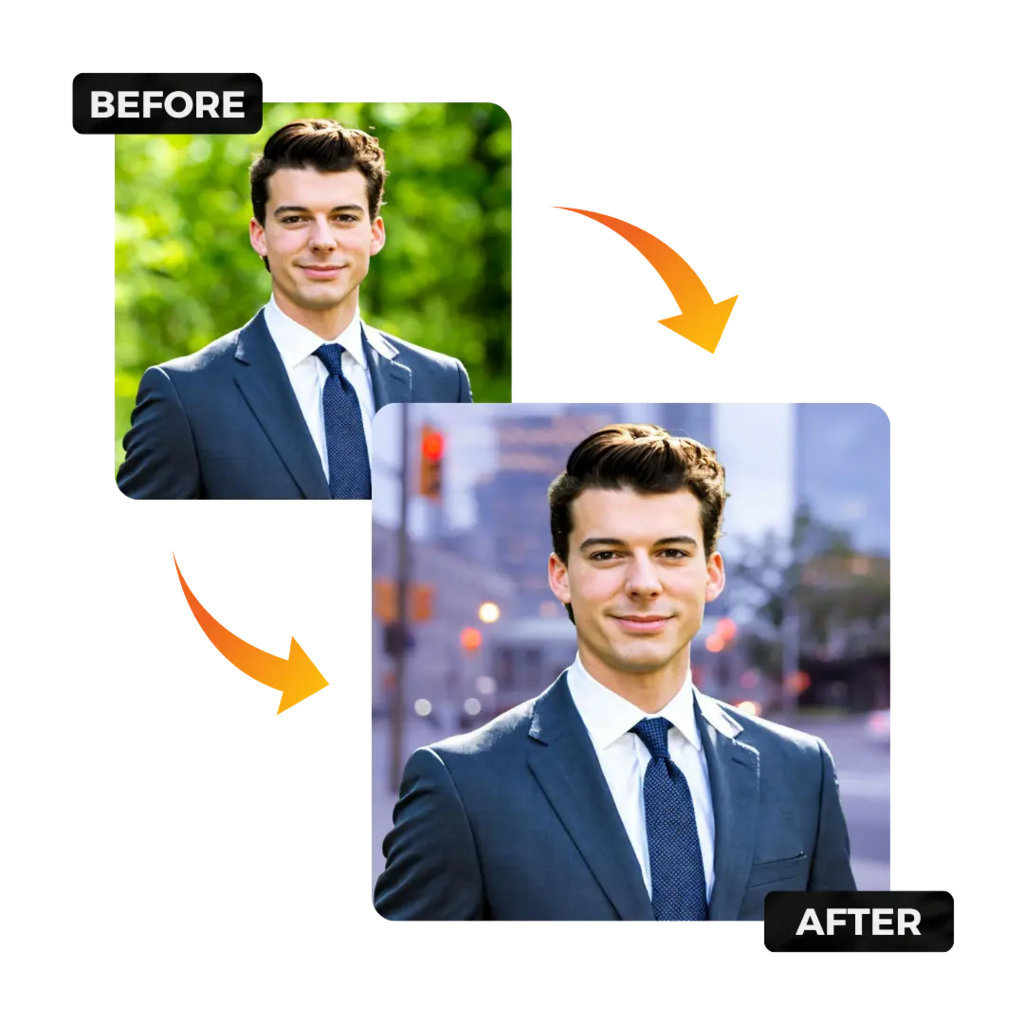
In today's digital-first world, your profile photo is often the very first impression you make on a recruiter, client, or business partner. Whether it's LinkedIn, a company website, or a conference bio, a polished headshot signals credibility and professionalism. But not everyone has the budget or time for a traditional photo studio session. That's where an AI Headshot Generator completely changes the game — letting you produce studio-quality portraits from your own selfies in minutes, not days.
Part 1: Defining Your Needs — Preparation Before You Start
Before you upload a single photo, it's important to identify exactly what you need the headshot for. A LinkedIn profile picture, a company About Us page, a speaker bio, and a resume photo all have slightly different visual requirements. LinkedIn headshots, for instance, tend to favor neutral or slightly blurred backgrounds with warm, approachable lighting, while corporate website photos often demand crisp, uniform backgrounds that match brand guidelines.
Ask yourself: Do you need a single polished image, or do you need 10+ variations across different outfits, backgrounds, and moods? Defining this upfront saves you time and helps you choose the right tool for the job.
AI headshot generators work by training a custom model on a set of your own photos, then generating new, photorealistic portraits in professional settings. The quality of your output is directly tied to the quality of your input. Most platforms recommend uploading 10–20 clear, well-lit photos that show your face from multiple angles — avoid sunglasses, heavy filters, group shots, or motion blur.
Good source photos mean the AI can more accurately capture your facial features, skin tone, and unique characteristics. The more variety in lighting and angle you provide, the more natural and lifelike the generated headshots will be.
Part 2: Choosing the Right Platform
Not all AI headshot generators are created equal. When comparing platforms, look for these critical factors:
Platforms like HeadshotPro offer tiered packages from $29 to $59 for 40–200 headshots with customizable backgrounds, making it suitable for both individuals and team plans.
Most reputable AI headshot tools offer sample outputs or free trials. Before paying for a full package:
Part 3: Common Questions and Potential Pitfalls (FAQ)
Q: Do I own the AI-generated headshots?
In most cases, yes — platforms like HeadshotPro and Aragon AI grant you full commercial rights to your generated images. However, always check the platform's Terms of Service before using images for commercial campaigns or publications. Some free tools retain partial rights.
Q: Is it ethical to use AI headshots professionally?
Absolutely, as long as you are generating images of yourself using your own photos. The ethical concern arises only when people generate headshots of others without consent, or use AI to misrepresent identity. Using AI to enhance your own professional appearance is widely accepted and increasingly common across industries.
Q: Can I use AI headshots on LinkedIn?
Yes. LinkedIn's policies do not prohibit AI-generated profile photos, provided the image accurately represents you. Avoid using dramatically altered images that would mislead connections about your actual appearance.
Q: Why do my AI headshots look "off" or uncanny?
This usually comes from poor-quality source photos. Blurry images, extreme lighting, heavy makeup, hats, or facial obstructions confuse the AI model and produce inconsistent results. Always use clean, recent, well-lit photos with your face clearly visible.
Q: The headshots don't look like me — what went wrong?
If the likeness is weak, it often means the AI didn't have enough variety in your input photos. Upload more diverse angles and lighting conditions, and avoid having only one or two similar selfies in the set.
Q: Are free AI headshot tools reliable?
Free tools like Canva's AI headshot feature can produce acceptable results for casual use, but they typically lack the resolution, realism, and customization needed for serious professional applications. For anything going on a company website, press kit, or investor profile, a paid platform with dedicated model training will consistently deliver better results.
Final Thoughts: Invest in Your Digital First Impression
Your professional image online is a direct reflection of how seriously you take your career or brand. Skipping a great headshot because of cost or inconvenience is no longer a valid excuse — AI has democratized access to studio-quality portraits for individuals, startups, and enterprise teams alike. Whether you need one hero shot for your LinkedIn or a full batch for your entire company directory, using an AI Professional Headshot Generator is the smartest, fastest, and most cost-effective way to look your absolute best in every professional context online.