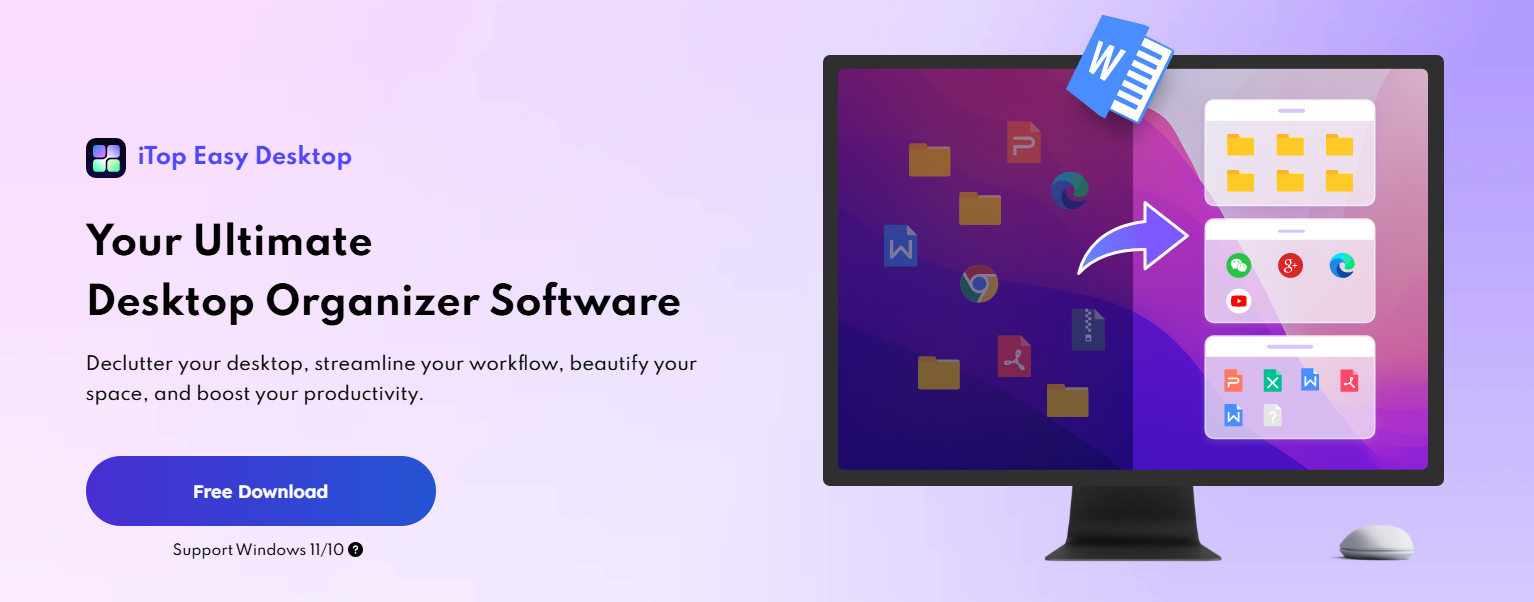
For many Windows users, the desktop starts as a place of order—and slowly turns into chaos. Files pile up, shortcuts scatter across the screen, notes get buried, and important tools are always one click too far away. Traditional desktop organizers promise structure, but often stop at simple sorting. What users really need is something more intelligent, flexible, and integrated into daily work.
This is where iTop Easy Desktop goes beyond expectations. It’s not just a tool for cleaning up icons. It acts as a productivity command center, bringing organization, task management, personalization, and even AI assistance directly onto the desktop. Instead of forcing users to adapt to rigid systems, iTop Easy Desktop adapts to how people actually work.
In this article, we’ll explore how iTop Easy Desktop transforms the Windows desktop into a centralized workspace—and why it feels less like an organizer and more like a control panel for daily productivity.
Most people don’t struggle with productivity because they lack tools. They struggle because those tools are scattered. Files live in folders, tasks hide in calendars, notes are split across apps, and quick ideas disappear as soon as the screen gets cluttered.
Traditional desktop organizers focus on tidiness, but productivity is about access. The faster users can find what they need, switch contexts, and capture ideas, the smoother their workflow becomes. iTop Easy Desktop is designed around this idea: keeping everything visible, structured, and instantly reachable—without overwhelming the screen.
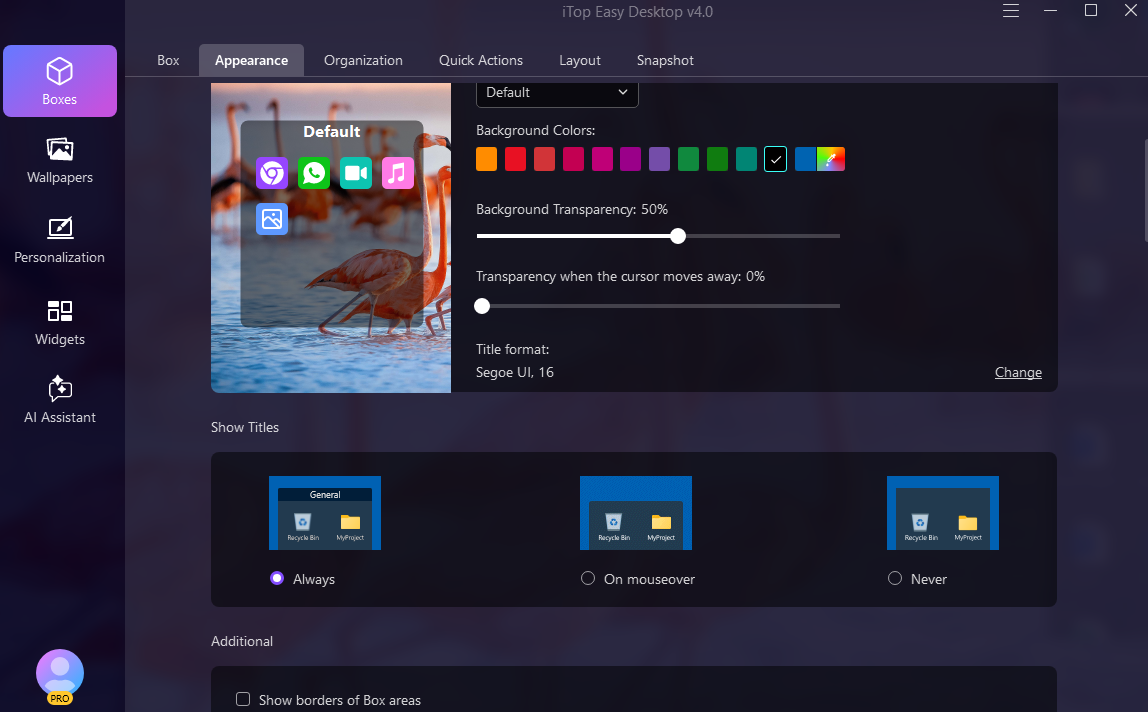
At the core of iTop Easy Desktop is an advanced system of Boxes, which act as flexible containers for desktop items. Instead of random icon placement, files, folders, shortcuts, and apps can be grouped logically based on purpose or workflow.
What makes these Boxes stand out is their balance between automation and control. Items can be automatically sorted using rules, but users can also fine-tune layouts to match personal habits. The result is a desktop that feels intentional rather than mechanical.
Navigation is smooth and responsive, and everyday actions—like right-clicking, rearranging items, or switching layouts—are optimized for speed. Even small improvements, such as streamlined context menus and simplified tab controls, add up to a noticeably smoother experience.
One of the most powerful features of iTop Easy Desktop is its ability to support multiple desktop layouts. Instead of forcing everything into one crowded space, users can create different workspaces for different purposes.
For example, one layout might focus on work-related apps and documents, while another is built for personal tasks, creative projects, or entertainment. Switching between these layouts takes only a moment, making it easier to mentally shift gears without physically rearranging files each time.
This approach mirrors how people naturally think about work—by context rather than by location—and helps reduce distractions while improving focus.
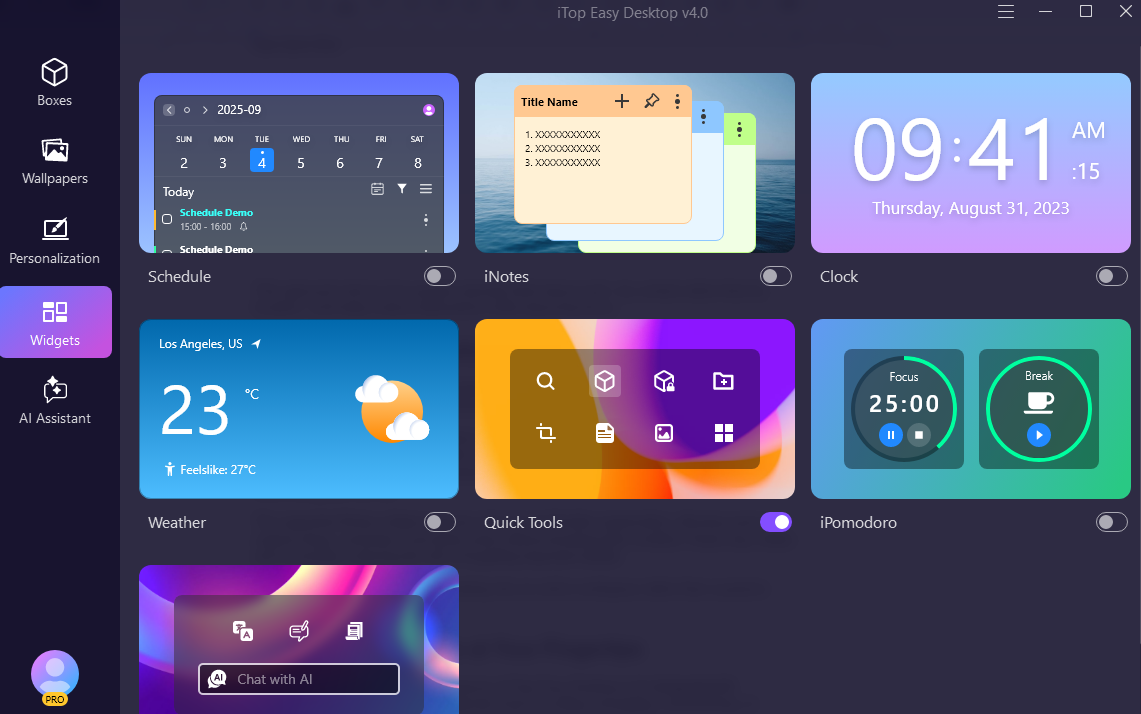
Beyond organization, iTop Easy Desktop introduces a set of widgets designed to keep important information visible at all times.
The Schedule widget provides a clear overview of upcoming tasks and events, with seamless synchronization to Google Calendar and Outlook. Instead of checking a separate app, users can see deadlines and plans directly on the desktop, making it easier to stay on track throughout the day.
The upgraded iNotes widget supports rich text and flexible organization, allowing users to capture ideas, reminders, and quick notes without breaking their workflow. Notes stay visible and accessible, reducing the risk of forgetting important details. iPomodoro (Focus Timer)
Boost your productivity using the Pomodoro Technique, with built-in timers for focused work sessions and scheduled breaks.
Together, these widgets turn the desktop into an active workspace rather than a passive background.
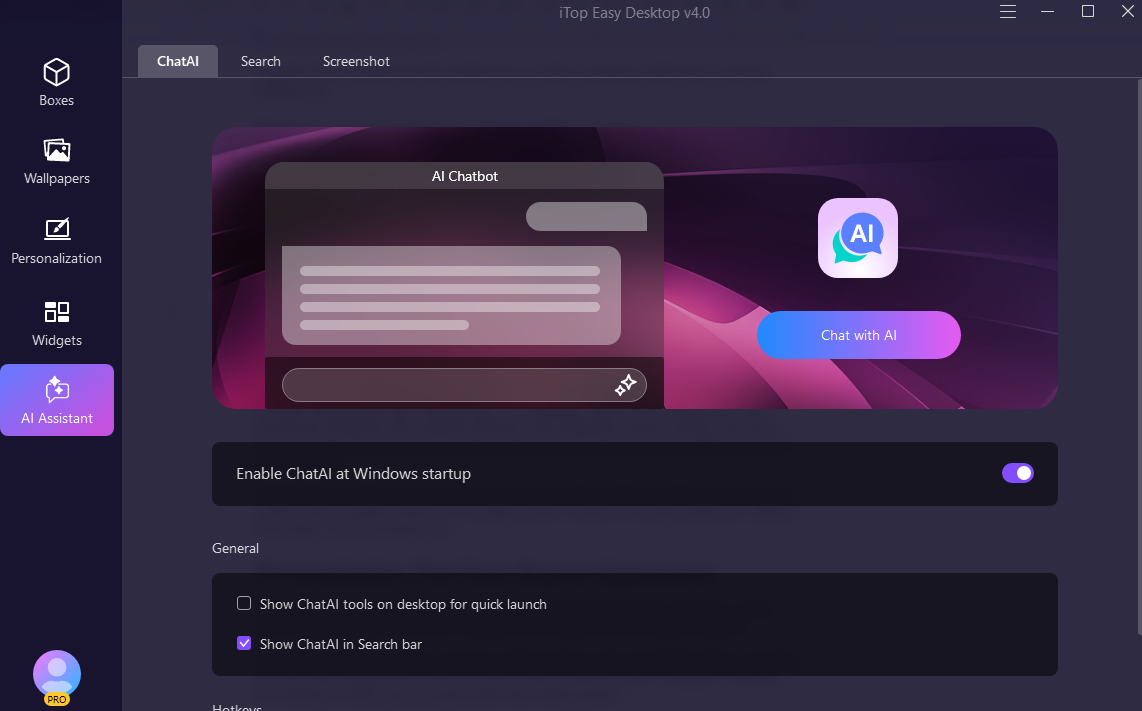
One of the most forward-looking aspects of iTop Easy Desktop is its integrated AI Assistant. Instead of launching separate tools for writing, translating, summarizing, or brainstorming, users can access AI support directly from the desktop.
Whether drafting quick text, refining ideas, or translating content, the AI Assistant works seamlessly alongside other desktop elements. This integration reduces friction and saves time, especially for users who frequently switch between tasks that require different types of cognitive effort.
Additionally, the built-in Screenshot tool complements this workflow by allowing fast capture of full screens, specific windows, or scrolling content—perfect for saving references, sharing information, or documenting work.
While productivity is the main focus, iTop Easy Desktop doesn’t ignore aesthetics. In fact, personalization plays a key role in creating a comfortable and motivating workspace.
The software offers access to a massive wallpaper library with over 20,000 options, including live and static backgrounds. Users can also create or upload custom wallpapers, allowing the desktop to reflect personal style rather than feeling generic.
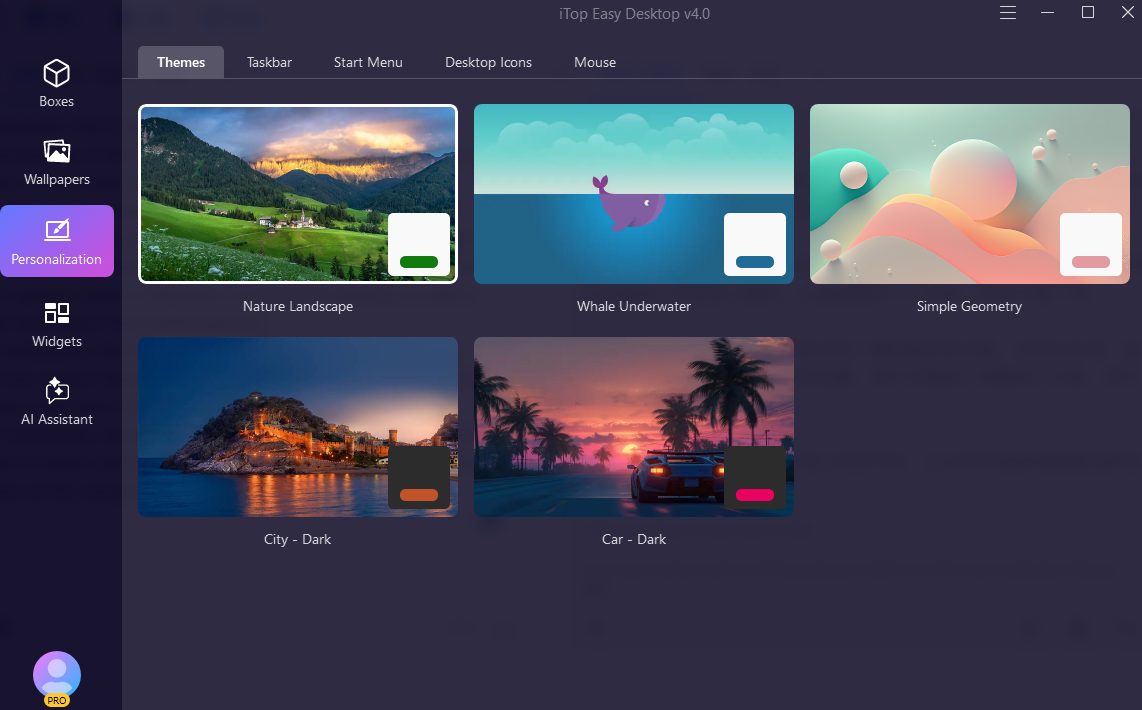
Beyond wallpapers, the Personalization module enables one-click control over system themes, taskbar appearance, desktop icons, the Start Menu, and even mouse settings. Instead of adjusting each element separately, users can unify their entire desktop look instantly.
This level of visual consistency helps reduce visual noise and makes long hours at the computer more pleasant.
What truly sets iTop Easy Desktop apart is how naturally it fits into everyday routines. It doesn’t demand constant attention or configuration. Once set up, it quietly supports productivity in the background.
Users spend less time searching for files, fewer moments switching between apps, and more time focused on actual work. The desktop becomes a central hub—organizing tools, surfacing information, and supporting quick decisions throughout the day.
Whether used by professionals managing complex workflows, students juggling multiple deadlines, or anyone looking to regain control over a cluttered desktop, the experience remains smooth and intuitive.
iTop Easy Desktop proves that the Windows desktop doesn’t have to be static or messy. With the right design, it can become an active productivity space that adapts to how people think and work.
By combining intelligent organization, customizable workspaces, practical widgets, AI-powered assistance, and deep personalization, iTop Easy Desktop moves far beyond basic organization. It transforms the desktop into a true productivity command center—one that supports focus, clarity, and efficiency every day.
For users tired of fighting desktop clutter and fragmented workflows, iTop Easy Desktop offers not just a cleaner screen, but a smarter way to work.