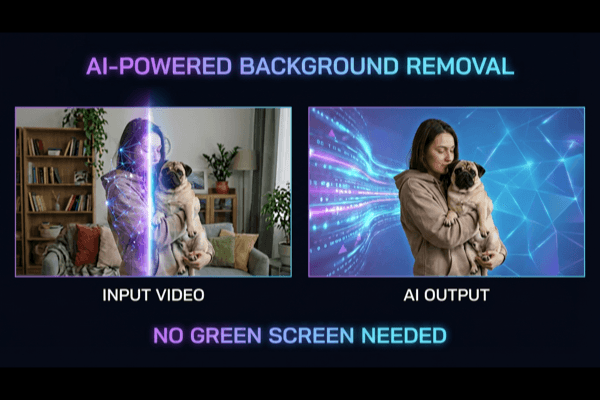
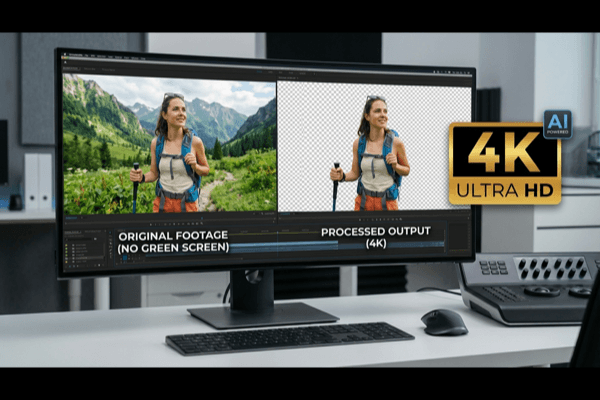
Video editing has become much more accessible in recent years, but background removal in videos is still a pain point for many teams. Traditional workflows often require a green screen, careful lighting setup, and manual frame-by-frame work. That process is expensive and slow, especially for creators or businesses that need frequent content updates.
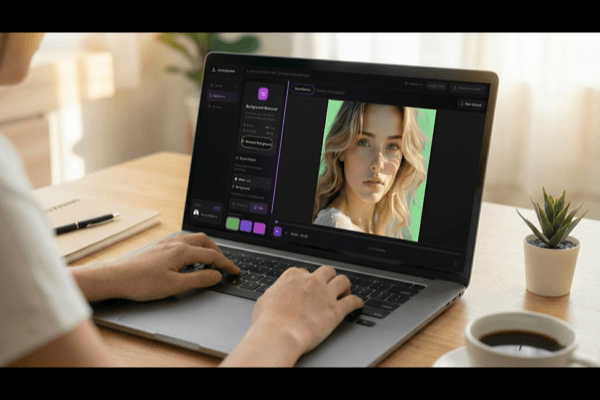
Today, AI-powered tools are changing this. Instead of spending hours on masking and cleanup, teams can upload clips and process them in a browser. For teams looking for a fast workflow, AI video background remover is one option to test video background removal without a green screen setup.
Why this matters now
Short-form content, product demos, and social ads require speed. Teams are publishing more videos than ever, but editing resources often stay limited. That mismatch creates bottlenecks. AI background removal helps reduce those bottlenecks by making clean outputs possible with less manual effort.
For marketers, this means faster campaign iteration. For creators, it means less time editing and more time producing. For small businesses, it means studio-like results without studio-level cost.
Practical use cases
AI background removal is particularly useful in these scenarios:
- Social media clips where the original background is distracting
- Product explainer videos that need a cleaner visual style
- E-commerce content that requires consistent branding
- Agency workflows where multiple variants are needed quickly
In each case, removing background noise improves focus and message clarity.
A simple workflow that works
Most teams can follow a straightforward process:
1. Record a clean source clip with stable lighting
2. Upload a short sample first to check output quality
3. Process the full video after validating edge detail
4. Export and publish for your target platform
A short test clip is important because it reveals common issues early, such as edge artifacts around hair or motion blur in fast scenes.
Common issues and quick fixes
Even good AI tools can struggle with difficult footage. Here are typical problems and simple fixes:
Low contrast scenes: Improve lighting or separate subject/background colors
Motion blur: Use better source quality and avoid over-compressed files
Busy backgrounds: Keep recording environments cleaner when possible
Small improvements at recording time usually produce much better final results.
Final thoughts
AI video background removal is now practical for daily content production. It may not replace high-end studio compositing in every case, but for most creator and business workflows, it offers the right balance of speed, quality, and cost.
The winning approach is simple: shoot cleaner footage, test short clips first, and use repeatable editing workflows. Teams that do this consistently can publish faster and maintain better visual quality across channels.