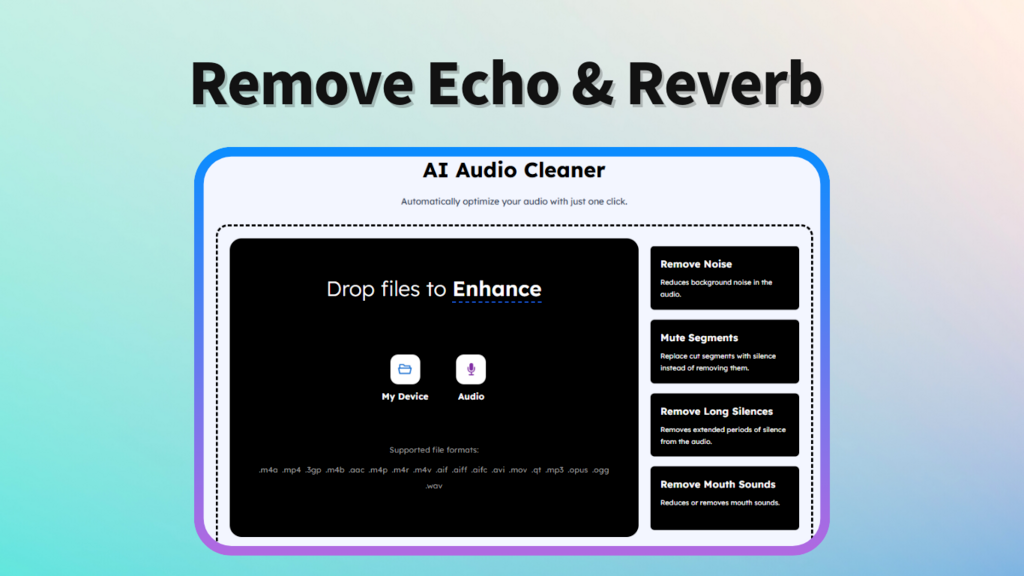
Ever recorded something that sounded like it was happening inside a cave? Echo and reverb can turn even a great performance or podcast episode into a muddy, distant mess. Learning how to remove echo and reverb from audio is one of the fastest ways to make your recordings sound professional without needing a recording studio. In this short guide I’ll explain what causes reflections, practical ways to remove echo from audio, and quick tools (including AudioCleaner’s echo remover and reverb remover) that get great results fast.
Echo is a distinct delayed repeat of a sound (think: a shout in a canyon), while reverb is a dense wash of many early reflections that make audio feel “roomy.” Both reduce clarity, but they behave differently and sometimes require different fixes. Still, because they overlap in real recordings it’s often easiest to treat them together — i.e., to remove echo and reverb — rather than fighting each separately.
Left unattended, reverb and echo blur consonants, hide vocal texture, and tire listeners. For podcasters, musicians, and online presenters, removing reverb from audio restores intelligibility and energy. An effective echo remover or reverb remover trims away unwanted room tone while keeping the voice natural — which means listeners stay engaged and your message comes through.
For most people, the fastest route is an AI-powered echo remover or reverb remover that analyzes your track and applies targeted de-reverberation with minimal fuss. Tools at AudioCleaner include Echo Remover and Reverb Remover designed to remove echo from audio and remove reverb from audio with one click, so you can clean a clip in seconds.
If you want fine control, use a digital audio workstation and de-reverb plugins (these give frequency and decay controls). This method is powerful but takes time and a basic understanding of audio processing.
In some cases, careful EQ and transient editing can reduce perceived echo. That’s handy for minor problems, but if your recording has heavy room sound, a dedicated reverb remover will usually outperform manual tricks.
Modern AI-based echo remover and reverb remover models can separate voice from room reflections more intelligently than simple filters. They’re fast, usually non-destructive, and friendly to beginners: upload, preview, tweak, and download. For creators who need repeatable results without wrestling with a DAW, services like AudioCleaner’s echo remover and reverb remover offer a pragmatic balance between speed and audio fidelity.
Removing echo and reverb from audio is often the single biggest boost to clarity you can give a recording. Whether you want a one-click fix or a deep, hands-on cleanup, tools exist to meet your needs — and AudioCleaner’s echo remover and reverb remover are solid options to try. Give them a test on a short clip and you’ll quickly hear how much cleaner your audio can become.