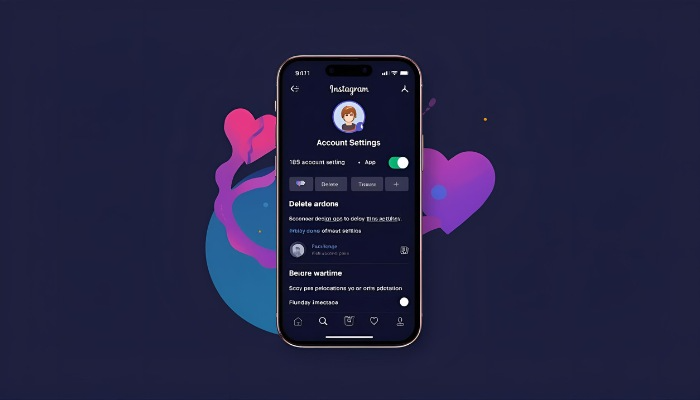
The safest way to delete or deactivate your Instagram account is by using the settings in your profile. This works on both the Instagram app and the web. If you plan to delete it permanently, first download a copy of your data, as once it is deleted, you won't be able to recover it. You can also delete your account from the Meta Account Center if that makes it easier for you.
Deactivation is a temporary pause of your account. Your profile, posts and followers are hidden but nothing is lost. You can bring everything back just by logging in again.
Deletion means permanently disabling your account. After selecting the delete option, your profile, photos, videos and all data are gone forever.
Step 1: Open the App
Open Instagram and go to your profile. In the top right corner, click the menu/settings icon.
Step 2: Find Deactivating or Deleting Setting
In the settings page, use the search bar at the top. Type “Deactivating or deleting” and you will see the option. Tap it and choose whether you want to deactivate or delete.
Step 3: Select which account you want to delete
If you have more than one account, pick the one you want to remove.
Step 4: Enter a reason to delete your Instagram account
Instagram will ask why you are leaving. You can select from options like: too many ads or privacy concerns, or just pick something else.
Step 5: Confirm it
Instagram will ask for your password to confirm that you are the one deleting the account. Once you have entered your Instagram password, hit “Confirm”.
Step 6: Finish the Process
Instagram will deactivate or delete your account, depending on the option you selected. It will take a minute to process.
If you are not ready to leave Instagram forever but need a break, you can still take a temporary break without deleting your account. All of your posts, content and Instagram followers will be there when you rejoin Instagram.
Mute notifications: Simply turn off alerts to avoid being disturbed by any notifications.
Remove the app: Delete the Instagram app from your phone and your account will be there when you come back.
Archive post or delete post: Hide any posts and IG stories you do not want others to see or just delete the content you don’t need anymore.
When you delete your Insta account, all of your content, story tags, and followers will be removed forever. You can not recover anything after deleting your Instagram account. So it's better to remove the app for a while or if you want to hide your account from everyone, you can deactivate your IG account instead of completely deleting it.