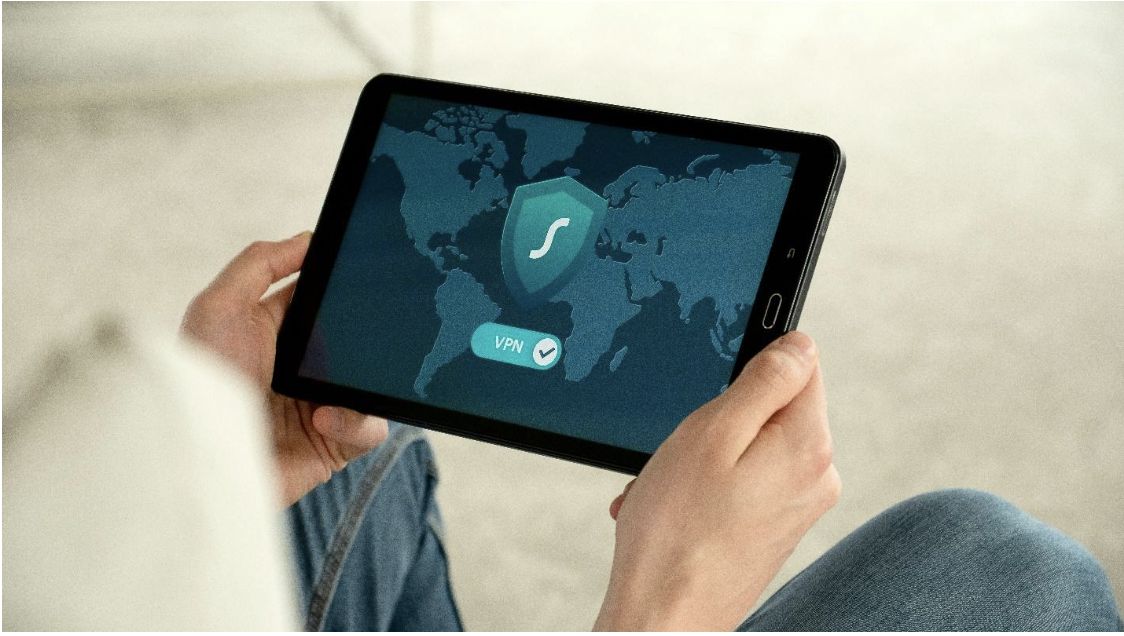
You probably started your business to follow a passion, baking cupcakes, repairing bikes, or designing websites, not to fight off faceless hackers. Yet the digital landscape has changed so quickly that even the smallest companies are now prime targets. Recent reports show that nearly half of all cyber-attacks zero in on small organizations because criminals assume you lack time, money, or know-how to defend yourself. One wrong click, a weak password, or an outdated system can open the door to ransomware, data theft, or costly downtime. Unlike big corporations, you might not have an IT team on call to spot threats before they strike. But that doesn't mean you're helpless. The good news? You don’t need an enterprise-size budget to build solid defenses. By combining a few smart tools with everyday habits, you can keep customer data safe, protect your reputation, and sleep better at night. Let’s walk through the steps that make the biggest difference, starting with how you control who can do what on your company devices.
Lock Down Internal Access
Most breaches begin inside your walls. An employee reuses a weak password, everyone shares the same admin account, or a malicious link installs backdoor malware. Windows-based businesses have a built-in advantage: you can create a central set of rules that decide who can install software, which folders each role can open, and when passwords must be changed. This approach is known as group policy management, which lets you enforce strong security without hovering over every workstation. Better yet, it helps you avoid a common vulnerability called Group Policy Preferences abuse, where attackers hunt for stored credentials hidden inside policy files. By defining granular permissions and auditing changes, you close off those weak points before they’re exploited. Imagine your front-desk staff accessing the scheduling app but never touching payroll data, while your bookkeeper enjoys the opposite. One console, clear rules, fewer headaches.
Train Your Human Firewall
People remain your first line of defense and your biggest risk. Phishing emails, social-engineering phone calls, and “urgent” text messages all prey on kindness or hurry. Schedule quick, quarterly training sessions that show employees how to spot red flags: mismatched URLs, requests for gift-card codes, or attachments from unknown senders. Use plain language, real-world examples, and short quizzes instead of dense policy documents. Include cyber-hygiene basics, never reuse passwords, report strange pop-ups immediately, and lock screens when stepping away. When your team understands that one mistaken click can freeze operations, they’ll think twice before opening that “invoice” from an unfamiliar address.
Keep Software Up to Date, Automatically
Hackers love outdated apps because yesterday’s bug is today’s break-in kit. Turn on automatic updates for operating systems, browsers, point-of-sale software, and even smart thermostats connected to Wi-Fi. If you use a specialty tool that can’t update itself, assign someone to check for patches every month. Make it a line in your calendar: “Second Tuesday—update everything.” It takes minutes and shuts doors that criminals would otherwise pry open.
Embrace Multi-Factor Authentication
Passwords alone are no longer enough; data dumps on the dark web prove it. Multi-factor authentication (MFA) adds a quick text message, app prompt, or hardware key to confirm logins. Yes, it’s one extra step, but it stops drive-by credential theft cold. Enable MFA on email first; if attackers compromise your inbox, they can reset passwords everywhere else. Then add it to cloud storage, accounting platforms, and customer portals. Most services support MFA out of the box, and the setup wizard takes less time than brewing coffee. Even if a password is leaked or guessed, MFA acts like a locked door after the welcome mat. It’s a simple yet powerful barrier that can prevent thousands of dollars in potential damage. In fact, many cyber insurance policies now require MFA as a minimum standard. It's not just smart. It's becoming essential.
Back Up, Then Test Your Backups
Ransomware gangs don’t just steal files. They lock them and demand payment. Your counterpunch is a rock-solid backup strategy. Use the 3-2-1 rule: three total copies of data, on two different media, with one copy stored off-site or in the cloud. Automate nightly backups so nobody forgets. Equally important, schedule a test restore every few months. Nothing stings more than discovering corrupted backups after disaster strikes. A florist who lost a year of orders to a crypto-worm was up and selling bouquets again in 24 hours because her cloud backup restored everything, proof that the system works.
Partner with Trusted IT Pros
You don’t need an in-house security guru, but you do need someone who lives and breathes patches, firewalls, and threat alerts. Local managed service providers (MSPs) offer packages scaled for micro-businesses: quarterly vulnerability scans, 24/7 monitoring, or on-call support if strange traffic hits your network. A modest monthly retainer often costs less than the revenue lost during one day of downtime. When choosing a partner, ask for references in your industry, clarify response times, and ensure they explain findings in everyday terms.
Build a Culture of Continuous Vigilance
Cybersecurity isn’t a one-and-done checklist; it’s a habit. Hold short debriefs after any suspicious incident, a blocked phishing attempt, or a rogue USB drive found in the office, to reinforce lessons. Post simple reminders on the break-room board: “Think Before You Click,” “Update Tuesday,” “Lock It, Lose It.” Celebrate quick reporting as a win, not a blame game. When employees feel comfortable flagging odd behavior, you learn about threats sooner and fix gaps faster.
You can’t control every hacker on the internet, but you can make your business a far less attractive target. Start by setting strict internal permissions through centralized tools, educate your team relentlessly, patch without delay, fortify logins with MFA, and keep reliable backups. Lean on experts when you need guidance, and treat cybersecurity as an ongoing practice rather than a seasonal chore. These straightforward moves shield customer trust, keep operations humming, and let you focus on the passion that launched your venture in the first place. Staying secure in a digital world doesn’t require deep pockets, just steady attention and the right habits.