Have you ever looked at a beautiful photo and thought, "I wish I could draw that"? For most of us, our artistic ambitions are often limited by our technical skills. However, the rise of Artificial Intelligence has changed the rules of creativity. Today, you can transform any concept, photo, or vision into a professional-grade coloring page. This guide will show you how to leverage tools like iColoring to design, create, and print your very own coloring book from scratch.
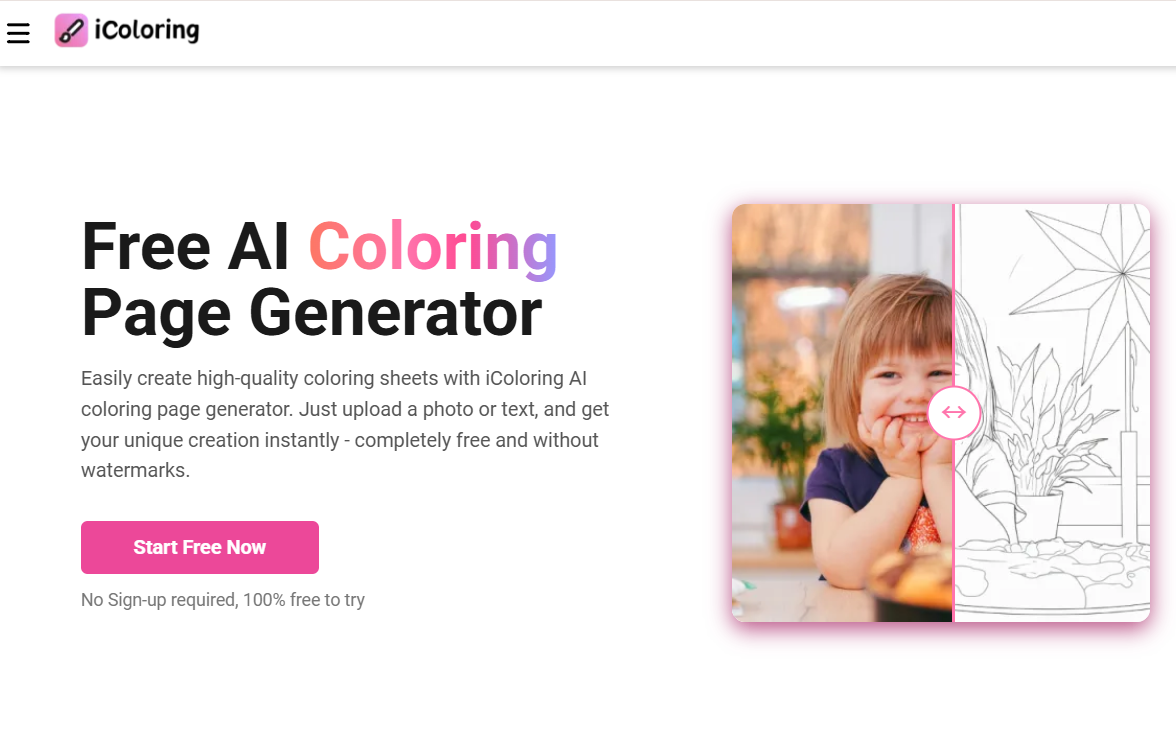
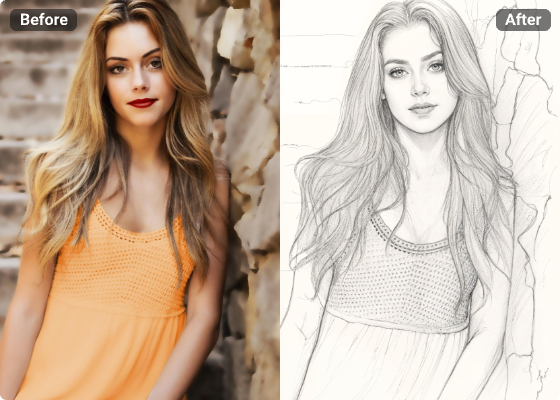
The core of this creative revolution lies in the ability to simplify complex visuals. By using an Image to Line Drawing utility, you can take the most detailed photographs and distill them into their essential outlines. This process is the secret sauce for anyone looking to create high-quality, personalized coloring content without needing a degree in fine arts.
The traditional way to make a coloring book involved hiring an illustrator or spending hours tracing photos by hand. Now, platforms like iColoring act as a digital bridge. These platforms use advanced neural networks to recognize shapes and depth, ensuring that the Image to Line Drawing results aren't just "stick figures," but sophisticated art pieces that respect the original composition of your photo.
This technology is perfect for:
A great coloring book starts with great source material. While the AI is incredibly capable, your input determines the final quality. Here’s a breakdown of what works best for conversion:
To get the most out of the Image to Line Drawing feature, you should keep a few technical pointers in mind:
Once you have your set of line drawings, it’s time to think like a publisher. A book is more than just a collection of pages; it’s an experience.
Think about the order of your pages. You might want to start with simpler designs at the beginning of the book and move toward more complex, detailed images toward the end. This gives the user a sense of progression.
To give your book a "finished" look, consider adding:
How you print your book will drastically change how it feels to the end-user.
What if you don't have a photo for the idea in your head? The beauty of the iColoring ecosystem is that it often integrates with other AI generators. You can use text prompts to generate an image of a "Steampunk Owl" or a "Secret Garden in the Clouds," and then use the Image to Line Drawing tool to convert that AI-generated dream into a physical coloring page. The possibilities are literally infinite.
One of the most rewarding aspects of making your own coloring book is sharing it. Many creators now upload their PDF versions to sites like Etsy or Pinterest. By creating a unique niche—such as "Coloring the Historic Homes of Savannah" or "Mandala Cats"—you can even turn your hobby into a small business.
Even if you keep it private, there is a special kind of satisfaction in sitting down with a cup of tea, opening a book you designed, and filling the lines of your own memories with color. It turns a passive hobby into an active creative journey.
The tools of the professional artist are now available to everyone. By combining your personal vision with the power of iColoring and its sophisticated Image to Line Drawing capabilities, you can move from a consumer of content to a creator of it. Whether it's for education, relaxation, or a unique gift, your custom coloring book is just a few clicks away.