Before we dive into specific brands, let's cover what you should be thinking about. This isn't just about finding "another laser"; it's about finding your laser.
This is foundational. Are you cutting thin wood and engraving designs (Diode)? Do you need to cut thicker materials faster, including clear acrylic (CO2)? Or are you aiming for metal engraving (Fiber)? The xTool M1 offers a unique hybrid (diode laser + blade), but most machines specialize. Match the laser type to your primary materials and tasks.
Work Area & Machine Size
How big are your projects? A small desktop unit is great for intricate work on smaller pieces, but if you're tackling larger signs or art, you'll need a bigger work area. Also consider the machine's overall footprint – some are truly compact, others demand significant studio space.
Material Compatibility
What do you really want to make? Different lasers excel with different materials. Diode lasers are fantastic for wood, leather, dark acrylic, and slate. CO2 lasers handle wood, acrylic, glass, fabric, and much more. Fiber lasers are kings of metal. Ensure your chosen alternative handles your go-to materials with ease.
Software & User Experience
This is crucial for your sanity! Do you want a plug-and-play machine with intuitive, proprietary software? Or are you comfortable with a more powerful, industry-standard program like LightBurn? Some machines are incredibly user-friendly right out of the box, while others have a steeper learning curve but offer more control.
Safety Features & Enclosure
Lasers aren't toys. Period. Look for features like emergency stops, flame detection, limit switches, and robust enclosures. An enclosed unit helps contain fumes and laser light, offering a safer operating environment, especially if you have pets or kids around. Open-frame designs require more personal protective equipment and good ventilation.
Price & Budget
Let's talk money. Laser engravers range from a few hundred dollars to many thousands. Be realistic about your budget. Remember to factor in accessories like air assist, exhaust systems, and safety glasses. Sometimes, spending a little more upfront saves you headaches and upgrades later.
Community & Customer Support
When things go wrong, or you need inspiration, a strong user community and responsive customer support are invaluable. Check out online forums, Facebook groups, and brand reputation for support before you buy. It makes a huge difference.
Top Diode Laser Alternatives to xTool D1/D1 Pro
The xTool D1 series is a popular diode laser. If you're looking for similar power and versatility for hobby projects, small business items, or general crafting, these are solid alternatives.
Atomstack Series
Atomstack has gained popularity with powerful diode options like the A10, X20 Pro, and S20 Pro.
Ortur Laser Master Series
Ortur, particularly the Laser Master 3 (LM3), is a well-regarded name in the diode laser space.
Sculpfun Series
Sculpfun offers great value, especially with models like the S9 and S30 Pro Max.
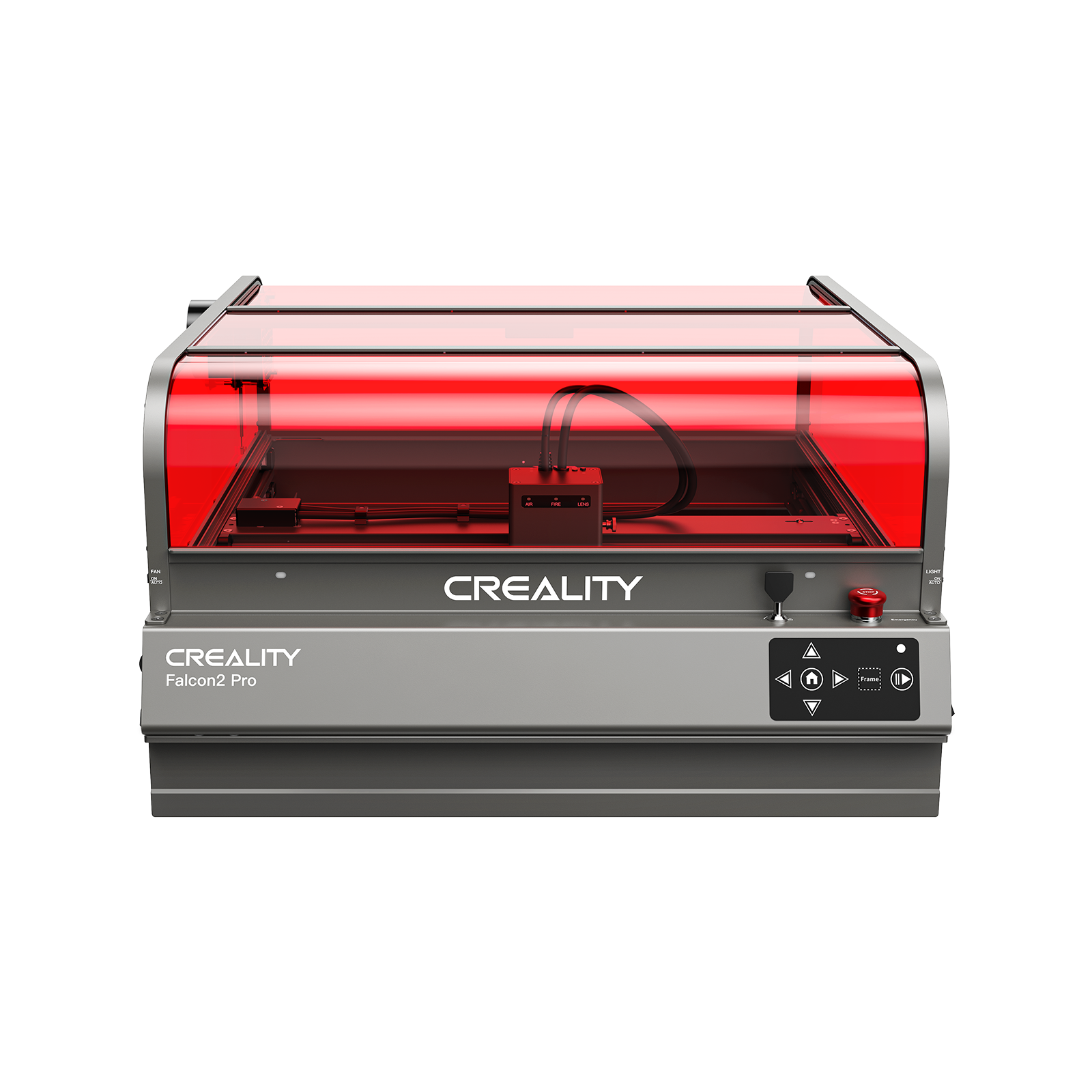
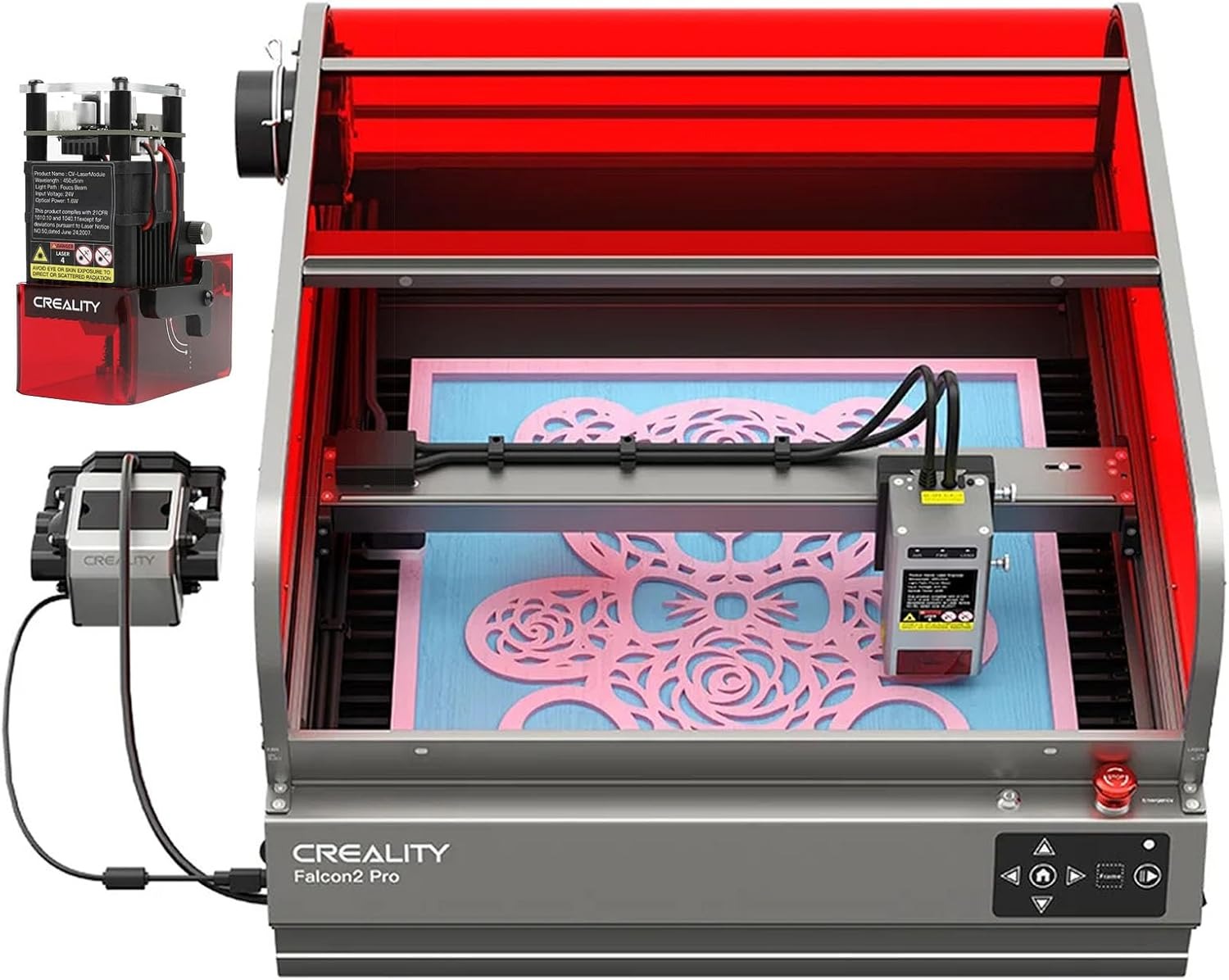
Creality Falcon Series
Creality, a giant in 3D printing, has brought its manufacturing prowess to the laser market with the Creality Falcon series.
Top Hybrid Laser & Blade Cutter Alternatives
The xTool M1 is quite unique, combining a diode laser with a blade cutter. True direct "hybrid" alternatives are rare, but here are popular crafting machines often considered in a similar vein for their cutting capabilities.
Cricut Maker 3 / Explore 3
These are the kings of the crafting world for blade cutting.
Silhouette Cameo 4
Another powerhouse in the blade cutting space, often compared to Cricut.
Brother ScanNCut
This machine stands out with its built-in scanning feature.
Top CO2 Laser Alternatives to xTool P2
The xTool P2 is a powerful CO2 laser. If you're a serious hobbyist, small business owner, or simply need more speed, power, and material versatility than a diode, these CO2 alternatives are worth your attention.
Glowforge Series
Glowforge (Aura, Plus, Pro) defines user-friendly CO2 laser engraving.
OMTech Laser Engravers
OMTech offers a wide range of robust CO2 lasers that provide excellent value.
Aeon Laser Systems
If you're serious about speed and precision for a business, Aeon (like their Mira series) is a contender.
Flux Beamo / Beambox Series
Flux strikes a good balance between ease of use and professional capabilities.
Choosing Your Perfect xTool Alternative
So, with all these fantastic options, how do you pick? It comes back to you. Seriously, ask yourself:
Don't rush the decision. Watch video reviews, read user testimonials, and join online communities to get real-world insights. The "best" alternative isn't about raw power or the lowest price; it's about the machine that empowers your creativity most effectively.
Frequently Asked Questions (FAQs)
Is xTool a good brand?
Yes, xTool is generally considered a good brand, especially for hobbyists and prosumers. They offer user-friendly machines with decent features, particularly their D1 and M1 series. However, like any brand, they have pros and cons, which is why people seek alternatives.
What is the cheapest xTool alternative?
The "cheapest" alternative depends on the xTool model you're comparing. For diode lasers like the D1, brands like Sculpfun or Atomstack often offer very competitive prices, sometimes with more power per dollar. Always compare features and overall value, not just the sticker price.
Can I use LightBurn with all laser engravers?
No, LightBurn is not compatible with all laser engravers. It's a third-party software that supports controllers like GRBL, Ruida, Trocen, and more. Most diode lasers and many CO2 lasers work with LightBurn, but some brands (like Glowforge) use their own proprietary software. Always check for LightBurn compatibility before buying if it's important to you.
What's the main difference between Diode and CO2 lasers?
Diode lasers are typically smaller, more affordable, and good for engraving and cutting thinner materials like wood, leather, and dark acrylic. CO2 lasers are more powerful, faster, more expensive, and can cut a wider range of thicker materials, including clear acrylic and glass.
Do I need an enclosure for my laser engraver?
If you're using an open-frame diode laser, an enclosure is highly recommended for safety. It helps contain laser fumes (which are harmful), stray laser light, and potential fires. Fully enclosed machines (like many CO2 lasers) come with integrated safety features, but proper ventilation is still crucial.
Power Your Creativity Beyond xTool
There you have it! The world of laser engraving and cutting is rich with innovation and options beyond just xTool. Whether you need a powerhouse CO2 system for your business, a budget-friendly diode for weekend projects, or a unique hybrid for specialized crafting, there's a machine out there calling your name.
Take your time, do your research, and trust your gut. Your perfect xTool alternative is waiting to help you bring your next brilliant idea to life. Happy making!