
Navigating the digital world of modern smartphones requires balancing convenience with strong security. On Motorola devices, one of the most important protections is Factory Reset Protection (FRP). Built into Android 5.1 and newer, FRP prevents unauthorized access to a device after it has been reset. While it’s highly effective at deterring theft, FRP can also lock out legitimate users who forget their Google credentials or purchase a second-hand phone with an account still attached.
This guide explains what FRP is, why it causes issues, and the best ways to bypass it—highlighting DroidKit, a professional tool, as well as free no-PC workarounds.
FRP is a Google-mandated security measure designed to keep factory-reset phones safe from misuse. After a reset, the system requires the same Google account that was previously synced to the phone. Without it, the device cannot be set up, making it far harder for thieves to resell stolen phones.
However, FRP also creates obstacles for genuine users. Common lockout scenarios include:
On newer Android versions, such as Android 15, Google FRP lock removal has become more difficult. Google continues patching older loopholes, leaving users with fewer reliable free methods.
The most dependable option for most people is DroidKit by iMobie, a PC-based software that simplifies complex Android tasks, including FRP bypass. Unlike patchy manual tricks, DroidKit offers a high success rate, supports the latest Motorola models (like Moto G Power 5G), and works on both Windows and Mac.
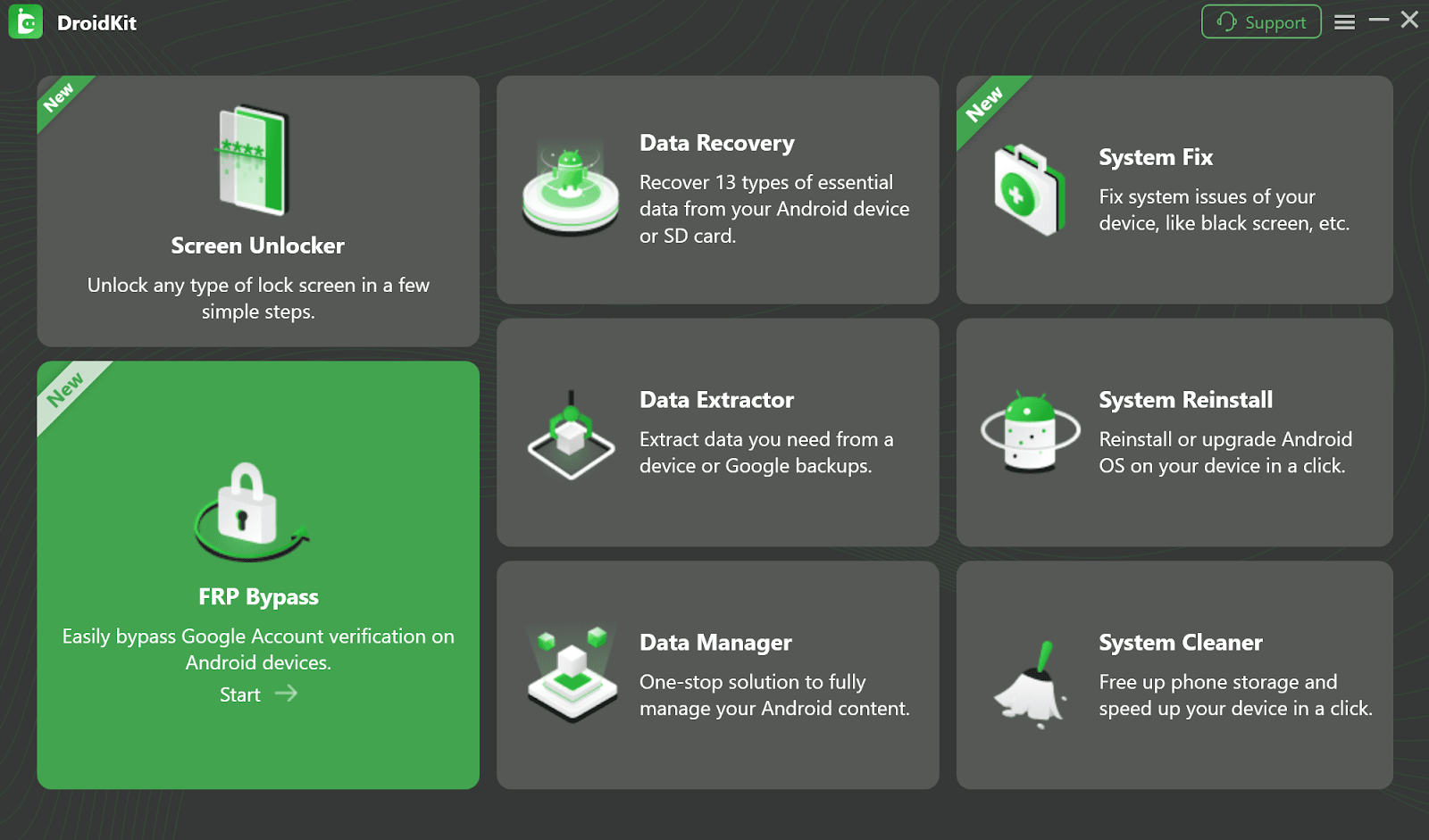
Though not free, DroidKit’s license is a small price compared to the time and stress it helps you avoid. For users who want a near-guaranteed solution, this is the best choice.
For users who prefer a free solution and don’t mind a challenge, the Emergency Call method is still an option—though it works mostly on older Motorola devices. Bypassing the setup flow, this trick provides access to system settings.
Because of its instability and difficulty, this method is mainly recommended for older devices where paid tools may not be necessary.
Is DroidKit safe?
Yes. DroidKit is developed by iMobie, a well-known Android and iOS solutions provider. It uses secure encryption and is trusted by thousands of users.
Does DroidKit support Android 15 and the latest Motorola phones?
Yes. DroidKit is updated frequently and supports recent models like Moto G Power 5G.
How do I avoid FRP lock in the future?
Before resetting, make sure to remove your Google account: Settings > Accounts > Google > Remove Account.
FRP is a critical feature that safeguards Motorola phones against theft and misuse, but it can also create serious problems for legitimate owners. While free tricks like the Emergency Call method may still work on older phones, they’re unreliable and increasingly patched.
For most users, the most effective and stress-free solution is DroidKit. Its easy process, wide compatibility, and high success rate make it the go-to tool for bypassing FRP on Motorola. Though it comes at a cost, the convenience and reliability far outweigh the alternatives.
By understanding FRP and choosing the right method, you can safely regain access to your Motorola device and prevent future lockouts.







