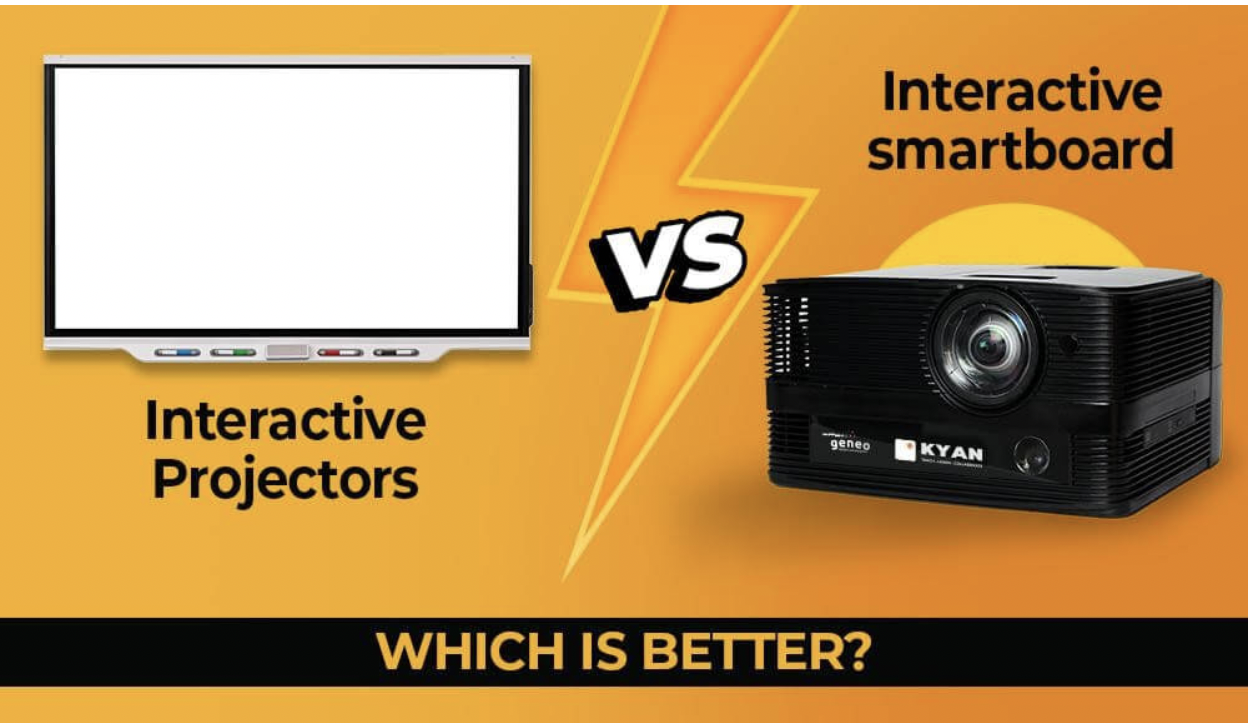
The rapid advancement of technology in the educational and corporate sectors has brought new tools that enhance collaboration and engagement. Among these, interactive projectors and smartboards are two of the most popular choices.
Both technologies provide interactive, multimedia experiences that can significantly improve presentations, lessons, and meetings. However, deciding between the two can be challenging without understanding their features, benefits, and differences.
What Are Interactive Projectors?
Interactive projectors are advanced projection devices that allow users to interact with displayed content using a stylus, finger, or special pen. Unlike traditional projectors, which merely display static images, interactive projectors provide touch-based functionality on any flat surface, turning it into an interactive screen.
How Do Interactive Projectors Work?
These projectors typically use infrared technology, laser light, or ultrasonic signals to track touch input. They connect to a computer and project the image onto a wall or whiteboard. Users can interact with the projection, making it ideal for dynamic presentations and classroom engagement.
What Are Smart Boards?
Smartboards, also known as interactive whiteboards, are touch-sensitive displays that combine the functionality of a whiteboard with advanced digital capabilities. Users can write, draw, and manipulate digital content directly on the board using touch gestures or digital pens.
How Do Smartboards Work?
Smartboards function by connecting to a computer and displaying content on a large touchscreen surface. They come with built-in software that allows users to annotate, interact with multimedia, and collaborate in real time.
Key Differences Between Interactive Projectors and Smartboards
Display Quality
- Interactive Projectors: Image quality depends on the projector's resolution. Standard projectors may offer 1080p, while advanced ones support 4K resolution. However, brightness and clarity may reduce in well-lit rooms.
- Smartboards: Provide 4K Ultra HD resolution with superior clarity and vivid colors, even under bright lighting conditions.
Touch Interaction
- Interactive Projectors: Allow touch interaction but can sometimes lag or lose accuracy, especially if the projection surface is uneven.
- Smartboards: Offer multi-touch support with high responsiveness, allowing multiple users to interact simultaneously without lag.
Portability and Installation
- Interactive Projectors: More portable and can be used on any flat surface. Installation may involve mounting the projector and adjusting calibration.
- Smartboards: Typically fixed in one location. While they require more space, they offer a permanent and professional setup.
Maintenance and Durability
- Interactive Projectors: Require regular maintenance, including lamp replacements and cleaning. Projector lamps have a limited lifespan.
- Smartboards: Built for long-term use with durable, scratch-resistant screens and minimal maintenance needs.
Cost Considerations
- Interactive Projectors: Generally more affordable upfront but may incur long-term costs for maintenance and lamp replacements.
- Smartboards: Higher initial investment but lower maintenance costs, making them a cost-effective solution in the long run.
Software and Compatibility
- Interactive Projectors: May require proprietary software and can have compatibility issues with certain applications.
- Smartboards: Integrate seamlessly with common platforms like Microsoft Office, Google Workspace, and advanced educational software.
Advantages of Interactive Projectors
- Flexibility: Can transform any flat surface into an interactive workspace.
- Portability: Easier to move between rooms compared to smartboards.
- Cost-Effective: Lower initial cost, especially for small-scale applications.
- Space-Saving: No need for a dedicated smartboard panel.
Advantages of Smart Boards
- Superior Touch Sensitivity: Provides an intuitive, lag-free interactive experience.
- Enhanced Display Quality: Crisp, clear images with 4K resolution.
- Durability: Built for long-term use with robust construction.
- Integrated Collaboration: Advanced features for remote learning and hybrid meetings.
Why HKMLC Smart Whiteboards Are a Game-Changer
When it comes to choosing a smartboard that delivers both advanced technology and ease of use, HKMLC digital whiteboards stand out as a premium solution. They are designed to meet the needs of both educational institutions and corporate environments, offering unmatched performance and value.
Key Features of HKMLC whiteboards
Multi-Touch Capability
- Supports multiple users interacting simultaneously, enhancing collaboration.
4K Ultra HD Display
- Provides crystal-clear images for more engaging and immersive experiences.
Seamless Connectivity
- Compatible with USB, HDMI, Wi-Fi, and Bluetooth for easy integration with devices.
Smart Software Integration
- Works with Microsoft Office, Google Workspace, and specialized educational software.
Remote Collaboration Tools
- Supports screen sharing and video conferencing for hybrid and remote work.
User-Friendly Design
- Intuitive interface with easy navigation for users of all technical skill levels.
Why Choose HKMLC whiteboards Over Interactive Projectors?
Better Display Quality
- With 4K Ultra HD resolution, HKMLC interactive whiteboards provide superior image clarity, unlike interactive projectors which may struggle in bright rooms.
Enhanced Durability
- Built to last with scratch-resistant, anti-glare screens that require minimal maintenance.
Advanced Interaction
- Accurate and responsive touch technology supports multi-user collaboration.
Cost Efficiency
- Although the upfront cost is higher, the low maintenance and long lifespan make Smart Whiteboards a smart investment.
Comprehensive Collaboration Tools
- Designed for both in-person and virtual collaboration, enhancing productivity in diverse environments.
Which Is Better: Interactive Projectors for Smartboards?
When choosing between interactive projectors and smartboards, consider the following:
- For Flexibility and Portability: Choose interactive projectors if you need a solution that can be moved easily and used on any surface.
- For Superior Performance and Durability: Smartboards, especially HKMLC electronic whiteboards, offer better touch responsiveness, image clarity, and advanced collaboration features.
In educational settings where clarity and multi-touch capabilities are vital, smartboards are the superior choice. Similarly, in corporate environments where seamless collaboration and professional presentation matter, smartboards provide better long-term value.
Choose the one that meet your needs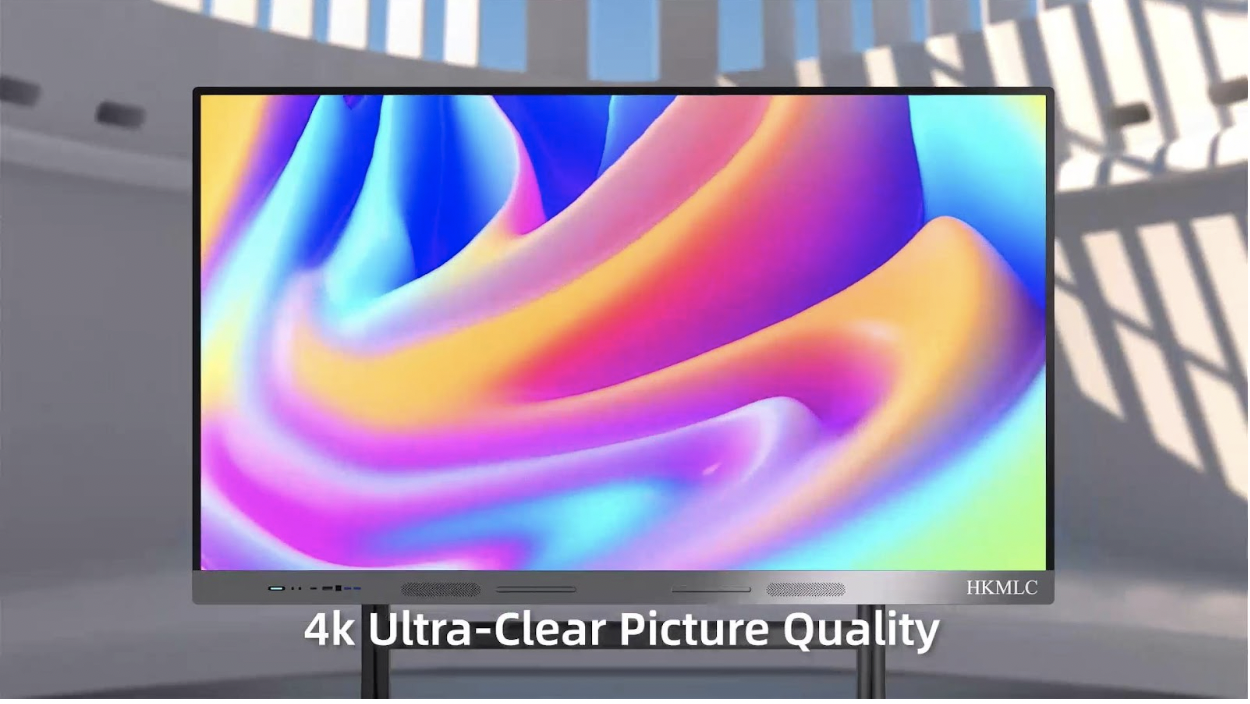
Both interactive projectors and smartboards have unique advantages. However, for those seeking cutting-edge technology, superior durability, and seamless collaboration, HKMLC Smart Whiteboards emerge as the clear winner.
Investing in HKMLC electronic Whiteboards means choosing a future-proof solution that enhances learning, improves productivity, and fosters collaboration whether in a classroom or a corporate boardroom. As technology continues to evolve, smartboards offer the advanced features necessary to keep you ahead of the curve.








